As an Amazon Associate I earn from qualifying purchases.
PETLIBRO feeder camera night vision checks start with the model number. The maker's instructions differ: its AF203 Granary Camera Feeder page explains IR night vision, while a separate blurry-video page says to use it only when the device sticker reads 203S. These identifiers and steps should not be treated as interchangeable.
Quick answer: For the AF203, check that IR Night Vision is set to Auto and that nothing blocks the camera's light source. If your device sticker says 203S, use the separate 203S applicability check and its basic lens/light steps. Confirm the model before trying any reset or app procedure.
On this page
- Confirm the feeder model
- Check AF203 night vision
- If the sticker reads 203S
- When to contact PETLIBRO
- Frequently asked questions
Confirm the feeder model first
PETLIBRO's AF203 support page identifies the Granary Camera Feeder as AF203. The maker's separate poor or abnormal video page tells readers to confirm a 203S sticker on the device bottom before following that article. The second page's URL includes “af203,” but its instruction names the sticker as the eligibility check. Follow the device label and exact page wording; this guide does not assume AF203 and 203S mean the same model.
If you cannot read the label, check the feeder's device information in the app or contact PETLIBRO with the product details before applying model-specific steps. A camera feeder buying guide can help with product identification, but it does not replace support instructions for the exact device.
Check night vision on the AF203
For the Granary Camera Feeder AF203, PETLIBRO says to check the IR Night Vision setting and set it to Auto. Also check that nothing is in front of the camera and affecting its light source. These are manufacturer checks for the named feeder, not general instructions for every PETLIBRO camera product.
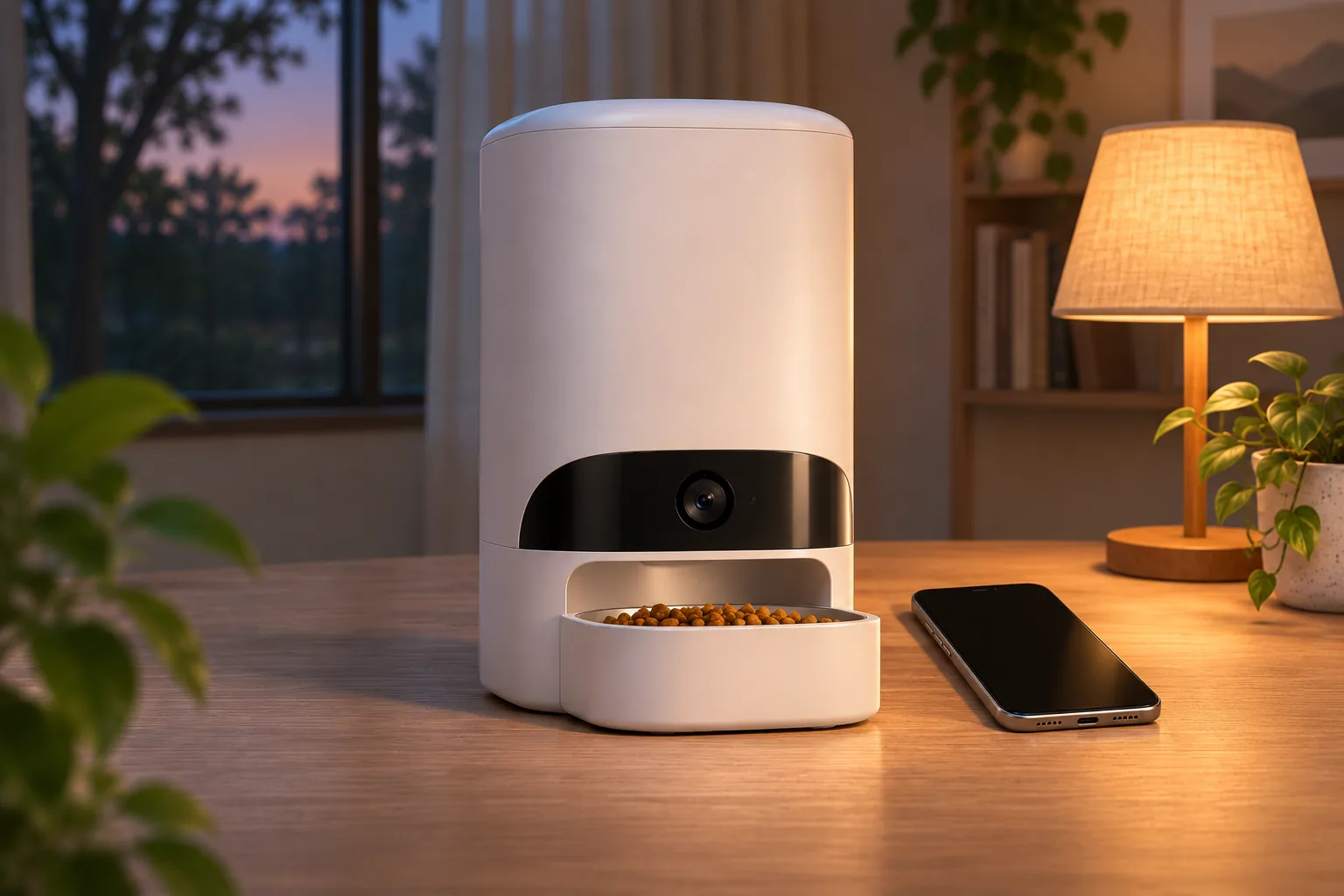
The AF203 page says you can check whether the IR night light turns on when you switch the feature on. It also describes the expected view: with IR Night Vision on, the picture stays black and white; with it off, the view is black at night. So a monochrome night image by itself is not necessarily a fault for this model. The page also notes that a click may occur when its IR lights switch on or off.
If those checks do not resolve the issue, the same AF203 support page suggests restarting the feeder and reinstalling the app. It does not say to factory-reset the feeder as part of the night-vision steps. Avoid a reset unless the exact model's current support instructions or PETLIBRO support directs it.
If the device sticker reads 203S
Use the 203S check only if that exact sticker is present. PETLIBRO's abnormal-video page starts with wiping the camera using a clean, dry cloth, then placing the device where it is not directly exposed to light. It contains additional app, Wi-Fi, and reset steps; because those can alter device setup, do not treat them as a first-line fix or apply them to a different model without checking the current instructions.
If those 203S checks do not resolve the issue, consult that page's current support route or contact PETLIBRO with the device label and a description of the result. The 203S page does not list the information to include in a support request, so do not attribute the AF203 page's screenshot/photo request to it. Do not open the camera or feeder to inspect internal components.
When to contact PETLIBRO
Contact the maker if the correct model-specific checks do not help, the IR light does not behave as described, or the app's device information conflicts with the label. For AF203, PETLIBRO asks for order details, a screenshot of device information, and an image of the night-vision result. For a device labeled 203S, use that page’s current support route if its checks do not help; its page does not specify what information to include. Use the support information on the applicable page; don't send account credentials.
Our Granary camera feeder guide and Granary 2 guide help distinguish the existing product guides from this troubleshooting page. Confirm the sticker and model-specific support before using any feature instructions.
Frequently asked questions
Should AF203 night vision show color at night?
PETLIBRO's AF203 support page says the image remains black and white when IR Night Vision is on, and that the view is black at night when it is off. This describes the AF203 page's guidance only; check support for a different camera feeder.
What should I try first if night vision does not switch on?
For AF203, check the IR Night Vision setting is Auto and make sure the camera's light source is not blocked. For a device labeled 203S, use the separate page's initial dry-cloth and direct-light checks. Do not assume its longer app/reset sequence applies to another model.
Does this guide apply to every PETLIBRO feeder camera?
No. Its detailed night-vision steps are from the Granary Camera Feeder AF203 support page, and the separate image-quality article specifies a 203S sticker. Check your exact label and current PETLIBRO instructions before following either set of steps.
Conclusion
When a PETLIBRO feeder camera looks dark or abnormal at night, start by confirming the model. The AF203 page supports checks for Auto IR Night Vision, an unobstructed camera light source, and the expected black-and-white night view. Use the other page only when its 203S sticker condition applies, then contact PETLIBRO if the supported checks do not resolve the issue.
Sources (accessed November 19, 2026): PETLIBRO AF203 Granary Camera Feeder support; PETLIBRO poor/abnormal video support; PETLIBRO Granary 2 Vision FAQ.