As an Amazon Associate I earn from qualifying purchases.
Quick answer: PETLIBRO identifies the Granary Smart Camera Feeder as PLAF203. The buying decision hinges on three things: whether the camera and alerts are useful to you, whether the documented storage workflow suits you, and whether this is the exact Granary model in the listing. (PETLIBRO US product page)
Contents
- Confirm the camera model
- Assess the camera and feeder features
- Choose how you will review recordings
- Compare Granary model names
- Use the buying checklist
Confirm the camera model
Start with the model code rather than the family name. PETLIBRO’s manual index gives separate entries for the Granary Camera Monitoring Feeder PLAF203 and Granary WiFi Feeder PLAF103. The manufacturer’s comparison page also names those as separate models. This makes PLAF203 the relevant code to check if camera monitoring is the feature you want. (PETLIBRO manual index; manufacturer comparison)
A shared product-family name does not establish that two units have the same camera, recording setup, app functions or part compatibility. Match the code in the retailer’s product details with PETLIBRO’s official information before buying accessories or relying on a feature comparison. This guide covers PLAF203; it does not compare the separate Granary 2 Vision line.
Assess the camera and feeder features
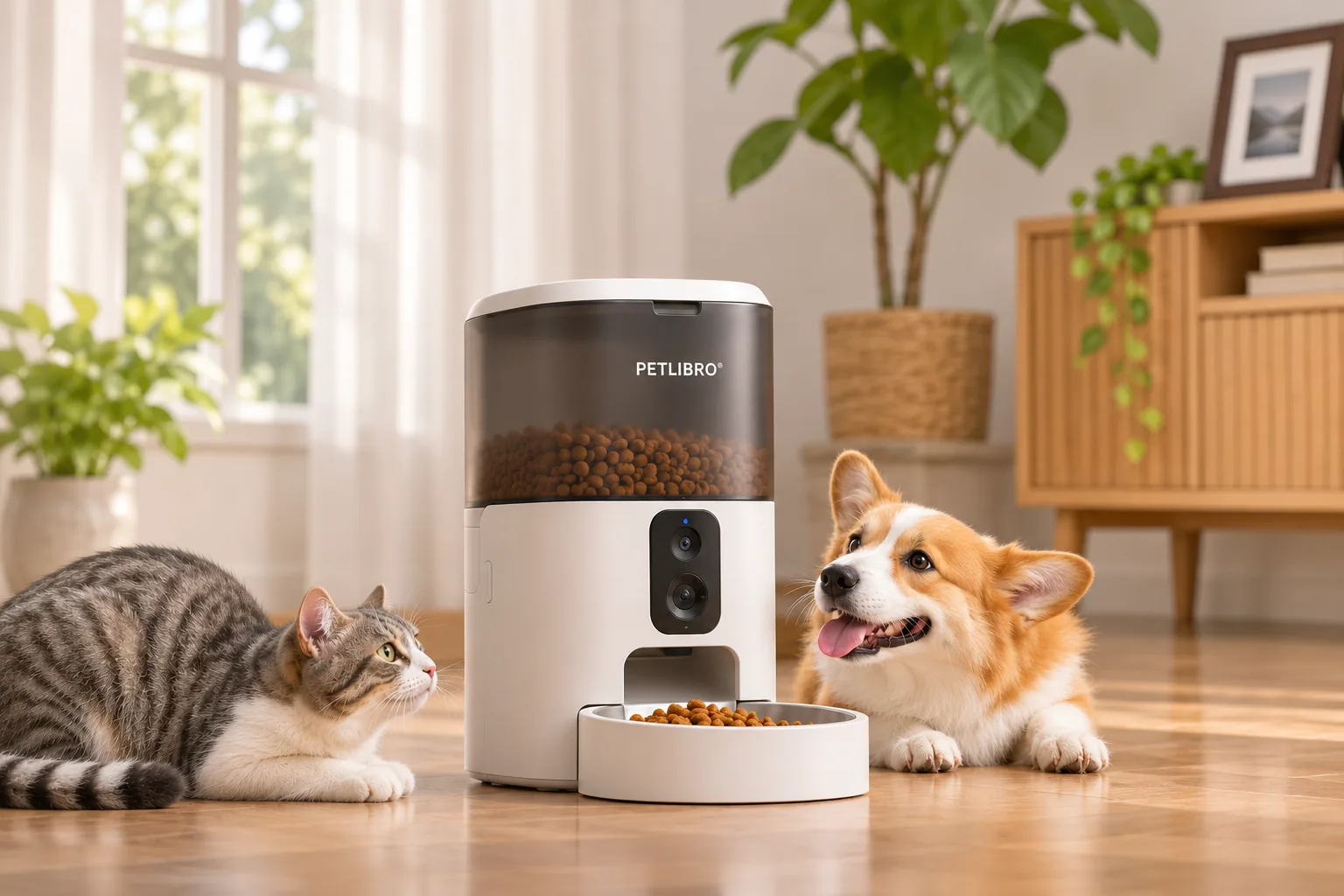
PETLIBRO’s US product page lists a 5 L tank for dry food, a 2–15 mm kibble range, 2.4/5 GHz Wi-Fi, a built-in 1080p camera with a 145° lens, two-way voice, motion and sound alerts, and feeding and jam alerts. These listed features combine remote observation with feeder-status notifications; they do not establish that the camera will capture every event or that an alert guarantees a particular response. Check the food size and network requirements against your own setup, and decide whether remote viewing adds value beyond scheduled feeding. (PETLIBRO US product page)
The tank capacity is volume, not a refill-duration promise. Dispensing amount and refill timing depend on how the feeder is configured and used. Likewise, advertised camera resolution and viewing angle are product specifications rather than a guarantee of the image you will see in a particular room. The independent Tom’s Guide review discusses the camera as a benefit on its reviewed unit; that is a reviewer’s opinion and experience, not a promise for every home. (Tom’s Guide review)
Choose how you will review recordings
PETLIBRO describes two recording approaches: local SD-card recording without a subscription, and cloud tiers with 7- or 30-day storage. Its FAQ says SD recordings are viewed through Replay in the app rather than read directly from a PC or phone. That distinction matters if your goal is to keep footage in a normal computer-based video library. Review the current app and plan details before paying for cloud service; the listed storage durations do not settle current subscription terms. (PETLIBRO US product page)
Think through the workflow before choosing:
- If you prefer local recording, confirm that app-based Replay is acceptable for finding and watching saved clips.
- If you prefer cloud access, check the current plan conditions and retention details shown by PETLIBRO.
- If you do not expect to review footage, consider whether the camera model’s extra setup and storage decisions are worth it for your use case.
These are workflow tradeoffs, not claims about storage reliability or video quality. The available product information does not establish uninterrupted recording or guarantee that every sound or movement will be captured.
Compare Granary model names
| Name | Manufacturer model evidence | What to keep separate |
|---|---|---|
| Granary Camera Monitoring / Smart Camera Feeder | PETLIBRO identifies PLAF203. | This is the camera model covered here. |
| Granary WiFi Feeder | PETLIBRO’s manual index lists PLAF103 separately. | Do not assign PLAF203 camera or recording functions to it based on the family name. |
| Granary 2 Vision | Outside this guide’s evidence scope. | Consult its own model-specific listing; this article does not assign it a code or compare its features. |
The model index and comparison page support treating PLAF203 and PLAF103 as distinct. They do not establish universal accessory fit or equivalence across all Granary variants. (PETLIBRO manual index; manufacturer comparison)
Use the buying checklist
- Match the model code. Look for PLAF203 in the product details and cross-check the official source before relying on camera features.
- Decide what you need the camera for. Remote observation, voice and alerts may be useful, but the listed functions do not guarantee monitoring every event.
- Review your recording workflow. Decide whether you want app-based local playback or a cloud plan, and read current plan terms before subscribing.
- Check the feeder fit. Compare the documented food and network requirements with your routine and home setup.
- Keep parts model-specific. Do not infer that a Granary-family accessory fits PLAF203 unless its listing explicitly confirms that model.
- Recheck checkout conditions. Prices and stock are dynamic; this guide makes no current availability claim.
Choose PLAF203 when the exact camera model and its documented functions match your needs. If you mainly want scheduled feeding, compare another model on its own official specifications. For further model-selection help, browse our automatic feeder articles.
As an Amazon Associate I earn from qualifying purchases.