As an Amazon Associate I earn from qualifying purchases.
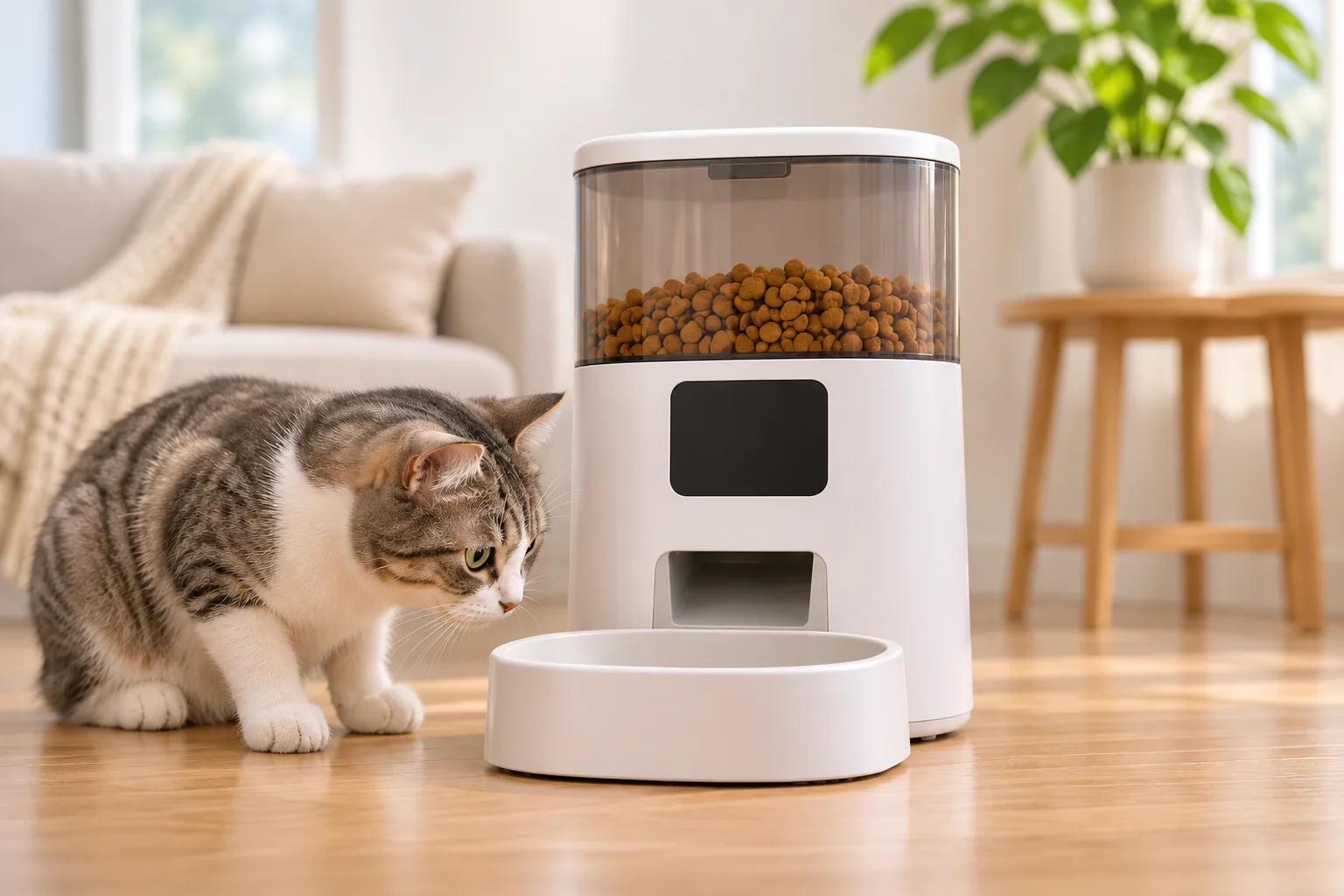
If you are checking automatic feeder portion size in grams, a programmed setting does not always translate to one fixed weight. The answer depends on the particular feeder and food: some manufacturer instructions describe a volume-based serving, while kibble size, density, and food level can change the mass that comes out. To know what your own setting dispenses, weigh repeated portions from your feeder and record the exact food and setting.
Quick answer: Treat the app or dial setting as the unit specified by your model's manual. Use a gram scale to measure the output for your feeder and kibble combination; do not convert cups to grams without food-specific evidence.
On this page
- Why portions vary
- How to measure your feeder
- What to check when results differ
- Frequently asked questions
- Conclusion
Why the same setting can weigh differently
Volume and weight describe different things. A scoop or metering wheel can release a similar space-filling amount while the amount of kibble mass differs. Pellet shape, size, and density affect how food settles and fills that space. The hopper level may matter on some models, too.
The PETKIT Fresh Element SOLO manual says that model uses a fixed-volume serving and describes each serving as approximately 10 grams. It also says pellet size and density affect actual weight, and that servings may shrink when its food container is low. Those statements apply to the Fresh Element SOLO model covered by that manual; 10 grams is not a conversion for other feeders.
PETLIBRO's portion-dispensing support page likewise describes its portion size as volume-based and says kibble size and density can affect weight. It gives an approximate variation figure, but does not identify a model on that page, so do not treat that figure as a tolerance or guarantee for every feeder. For another example of a different interface, the PetSafe Smart Feed 2nd Generation product page lists meal sizes in cups for model PFD00-16828. The page does not provide a grams-per-cup conversion.
That is why a generic chart cannot reliably tell you how many grams “one portion” means on every device. Use the manual for the exact model and then measure the food you actually use.
How to measure your feeder's output
This is a simple home measurement method, not a manufacturer calibration procedure. It estimates what one setting dispenses with your current food; it does not set a feeding amount for your pet.
- Check the model and setting unit. Find the model label and open its current manual. Confirm whether the control is described in portions, cups, or another unit, and follow any restrictions for compatible food. Do not assume a similarly named feeder has identical settings.
- Choose one repeatable test. Use the same feeder, food, and programmed setting each time. Note whether you are measuring one portion or a full scheduled meal. Keep your pet away from the test food and return it to the normal food container afterward if appropriate.
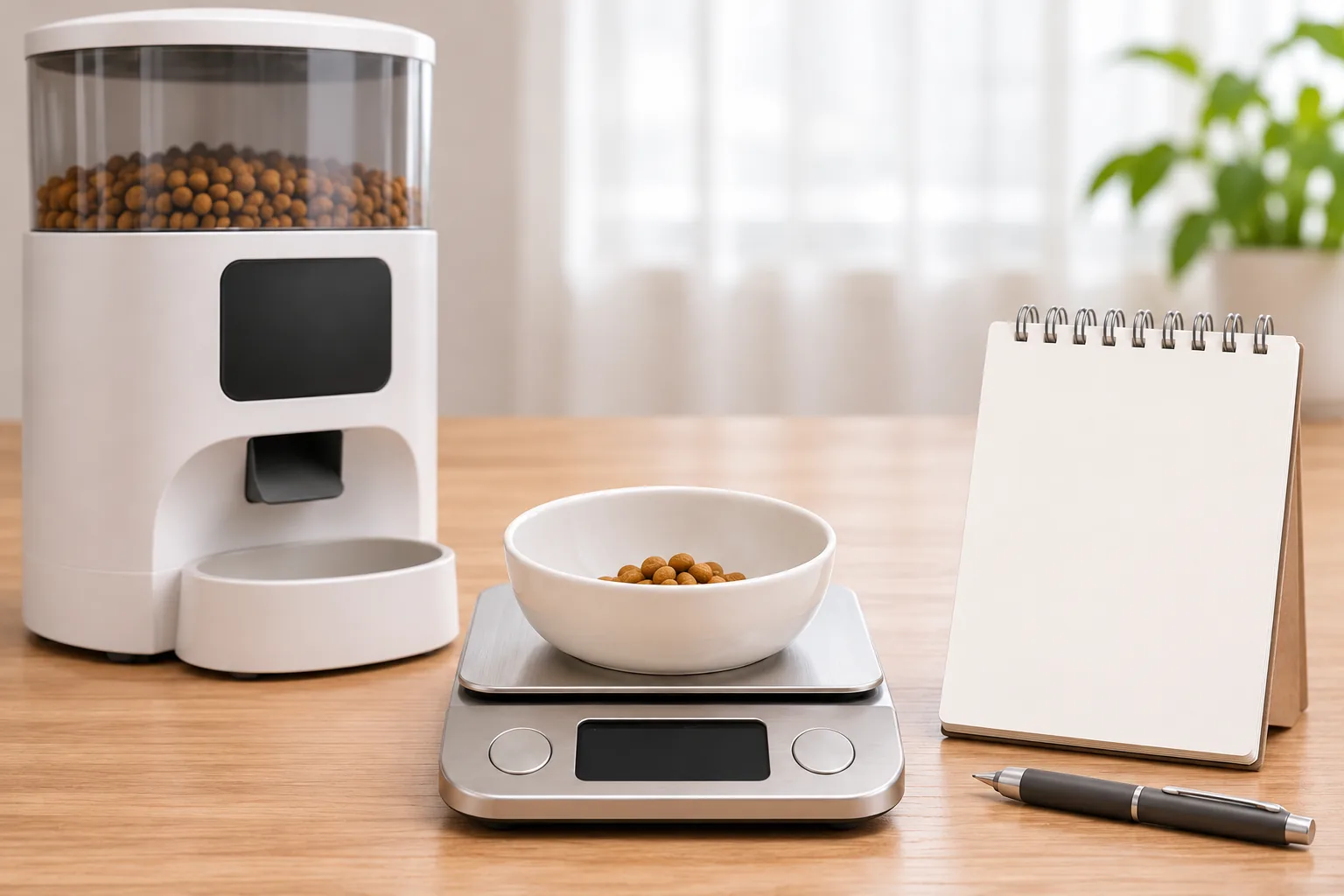
- Tare a clean, dry catch bowl. Put an empty bowl on a kitchen scale set to grams and zero the reading. If the scale cannot be zeroed, weigh the empty bowl first and subtract its weight from each result.
- Collect and weigh repeated outputs. Dispense the same setting into the bowl, note the grams, empty the bowl, and repeat. Five trials are a useful small sample for spotting variation; this is a practical suggestion, not a maker's standard or a guarantee of statistical accuracy. If the setting releases multiple increments as one meal, record that whole meal consistently.
- Record the conditions. Write down the model, food name or type, setting, hopper level, date, and each measured weight. If you change kibble, refill the hopper, or change the setting, start a separate row rather than mixing the results.
| Test log | What to record |
|---|---|
| Device | Model name or number from the label |
| Food | Same kibble used for all trials; note size/type if known |
| Setting | Exact app or dial value and whether it means a portion or meal |
| Conditions | Approximate hopper level and date |
| Results | Weight in grams for each repeated output |
To summarize a test, add the recorded weights and divide by the number of trials for the average. Also keep the lowest and highest readings. The average describes this small sample; the range shows how much those measured outputs differed. Neither value is a promise about future servings or a nutrition recommendation.
What to check when results differ
First repeat the test without changing several things at once. Confirm the same setting was used and compare like with like: one programmed portion should not be compared with a larger scheduled meal. Check the manual for that model's food and hopper guidance.
If you use a PETLIBRO feeder covered by its support instructions, that page identifies kibble size and density, a partial food jam, and the configured schedule as checks when output differs. Its approximate variation guidance is brand-page guidance with no model specified, so use the exact model's documentation for any threshold. For the PETKIT Fresh Element SOLO, the manual specifically notes that a low food level can reduce portion size. Do not transfer that behavior to other feeders without their manuals.
If the output remains inconsistent with compatible food and the correct setting, stop treating repeated app adjustments as a fix. PETLIBRO directs users with persistent incorrect output to submit feedback through its app. For other brands, use the support route in the product's current manual. If you are comparing programming details for a specific device, see our PetSafe Simply Feed guide or WOPET feeder guide; those model guides are not gram-conversion charts.
Frequently asked questions
How many grams is one automatic feeder portion?
There is no single gram value that applies to every feeder and food. A manufacturer may define a setting by volume and give an approximate weight for a named model, but other kibble or another device can dispense a different mass. Check the exact manual and weigh your own output.
Why does the same feeder setting change after I switch kibble?
Kibble pieces can differ in size and density, which changes how they fill a feeder's metering space. PETLIBRO identifies those properties as reasons portion weight may vary; the PETKIT Fresh Element SOLO manual makes the same point for that model. Measure the new food separately instead of reusing the old food's log.
Can I use this measurement to decide how much my cat should eat?
No. The test only estimates what a device dispenses under the recorded conditions. It does not determine an individual pet's daily food requirement. Use your veterinarian's feeding guidance and the food's instructions for that decision, then use the feeder manual to program the appropriate setting.
Conclusion
For automatic feeder portion size in grams, use the setting unit specified for your exact model and measure its output with the food you actually dispense. A short, consistent weigh-and-record test can show the practical output and its variation. Keep that measurement separate from deciding how much your pet should eat, and consult the manufacturer if the feeder stays inconsistent after its model-specific checks.
Sources (accessed November 19, 2026): PETLIBRO portion-dispensing support; PETKIT Fresh Element SOLO manual; PetSafe Smart Feed 2nd Generation.