As an Amazon Associate I earn from qualifying purchases.
Quick answer: Healthy Pet Simply Feed PFD00-14574 is a non-connected feeder with up to 12 scheduled meals per day, portions from 1/8 to 4 cups, and an optional Slow Feed mode that spreads a scheduled meal over 15 minutes. It runs on four D-cell batteries; PetSafe also sells a compatible wall adapter, with batteries serving as backup when the adapter is the main power source. These are manufacturer specifications, not a claim that we tested portion accuracy. (PetSafe product page, manual)
If you want connected monitoring and app controls, compare this unit with the cat feeder guide and verify the exact model generation before buying. Simply Feed’s schedule is set on the unit itself.
Contents
- What the feeder can schedule
- How to think about programming
- What Slow Feed does
- Power and backup
- Who it may fit
- Frequently asked questions
What the feeder can schedule
| Setting | PetSafe-published specification | What that means when choosing |
|---|---|---|
| Daily schedule | Up to 12 meals per day | Useful if you want multiple scheduled portions; it does not establish that this schedule is right for a particular animal. |
| Portion range | 1/8 to 4 cups per meal | Compare the range with your own feeding instructions and food type. The range is a setting capability, not a verified portion-accuracy measurement. |
| Slow Feed | Scheduled meals dispensed over 15 minutes | Designed to slow the dispensing process; it does not promise a health outcome. |
| Power | Four D-cell batteries; optional PetSafe adapter | Battery-only operation is available; adapter plus batteries provides the manufacturer-described backup arrangement. |
PetSafe’s product page mentions dry and semi-moist food, but the model’s operating guide warns to use dry food only and not to use moist food. For this guide, follow the model-specific manual: choose dry food unless PetSafe confirms that your particular food is suitable. The product page also lists a 24-cup hopper. (PetSafe product page, PFD00-14574 operating guide)
How to think about programming
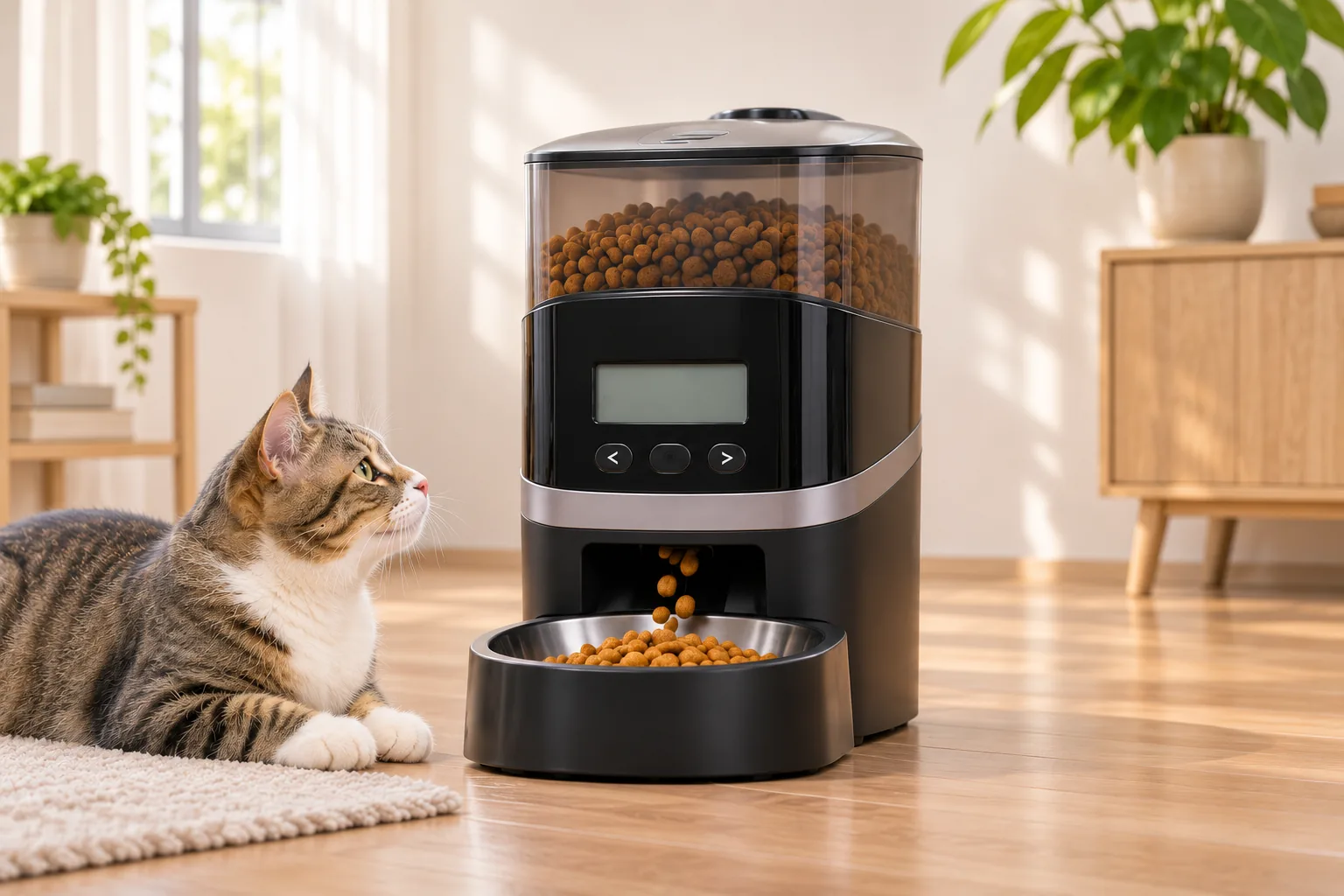
The feeder’s operating guide describes button-and-display programming rather than app control. It provides Dog, Cat and User schedule modes; User mode allows custom meal times and portions, up to the stated daily maximum. The manual also explains how to pause scheduled dispensing temporarily without erasing the schedule. (PFD00-14574 operating guide)
A reliable setup sequence is:
- Confirm the model. Check the product label for PFD00-14574. Similar PetSafe names can refer to different feeders and setup instructions.
- Choose a schedule from the animal’s existing feeding plan. Enter meal times and portions that match that plan; the feeder’s maximum capacity is not a recommendation for how much or how often to feed.
- Check the display after entry. Confirm the intended times and portions before relying on the programmed schedule.
- Use pause/edit functions deliberately. The manual distinguishes pausing a schedule from changing or clearing it. Consult the manual before changing modes.
- Observe operation after setup. Confirm the feeder is powered, food flows as expected and the bowl area is clear. This is a household check, not a calibration test.
PetSafe’s Simply Feed support page lists model-specific help for scheduling, editing, pausing, slow feed and setting the clock. Use the manual and support instructions for exact button sequences; this guide summarizes the decision-relevant capabilities rather than reproducing the full operating procedure.
What Slow Feed does
The quick-start guide says Slow Feed dispenses scheduled meals at a slower rate over a 15-minute period. PetSafe’s product information limits the option to meals larger than 1/8 cup. It changes the dispensing pace; it does not change the programmed daily amount or prove a medical or behavioral benefit. (Quick-start guide, product page)
If you are considering the mode because of a veterinary recommendation, follow that professional’s instructions and confirm the setting in the model-specific guide. Do not treat an advertised feature as a substitute for individualized advice.
Power and backup
The feeder can operate with four D-cell batteries. PetSafe’s optional PAC00-15478 adapter is described as the main power source when connected, while installed batteries act as backup. The adapter is a separate accessory; its current availability is not verified here. (PetSafe adapter page, operating guide)
Before choosing a power setup, decide whether you prefer battery-only operation or an outlet-based primary supply with battery backup. If using the adapter, check the exact model compatibility and plug requirements on the accessory page and retain working batteries if you want backup. Do not assume that a wall adapter is included with the feeder.
Who it may fit
This model may suit someone looking for an on-unit programmable schedule, a high number of daily meal slots and a battery option. It may be a poor fit if you specifically need app-based remote scheduling, integrated camera monitoring or a claimed level of measured portion precision; the official materials reviewed do not substantiate those features for PFD00-14574.
Before ordering, check the model number, the size range you need, food suitability, where the feeder will sit, and whether you plan to buy the optional adapter. For current options across feeder types, see our cat feeders page.
Search Amazon for PetSafe Healthy Pet Simply Feed PFD00-14574 — this is a search page, not confirmation of a specific listing, seller, included adapter, price or stock. As an Amazon Associate I earn from qualifying purchases.
Frequently asked questions
How many meals can PFD00-14574 schedule?
PetSafe says it can schedule up to 12 meals per day, with portions from 1/8 to 4 cups. The settings describe capability, not a feeding recommendation or measured accuracy.
How long does Slow Feed take?
The quick-start guide describes dispensing scheduled meals over 15 minutes. PetSafe says the option applies to meals larger than 1/8 cup.
Does Simply Feed use Wi-Fi or an app?
The official materials reviewed describe an on-unit display and button controls. They do not establish app or Wi-Fi control for PFD00-14574. Do not confuse it with PetSafe’s Smart Feed line.
Does the adapter come in the box?
The adapter is a separately listed accessory, so do not assume it is included. Check the exact package contents in the current offer before purchase.