As an Amazon Associate I earn from qualifying purchases.
Quick answer: The PETLIBRO Granary Wi-Fi feeder discussed here is model PLAF103. PETLIBRO lists it as a 5 L, dry-food feeder for 2–15 mm kibble, with 2.4 and 5 GHz Wi-Fi, a DC 5 V adapter and three optional D-size alkaline backup batteries (not included). The camera-equipped Granary is a separately identified PLAF203, while the standard Granary 2 is PLAF105. Check the model code in the retailer’s product details against PETLIBRO’s official specification and manual before comparing features or ordering parts. (PLAF103 official product page; PETLIBRO manual index; Granary 2 official page)
Contents
- Identify the original Granary Wi-Fi model
- Compare the three model codes
- Check food, Wi-Fi and power fit
- Before you order
Identify the original Granary Wi-Fi model
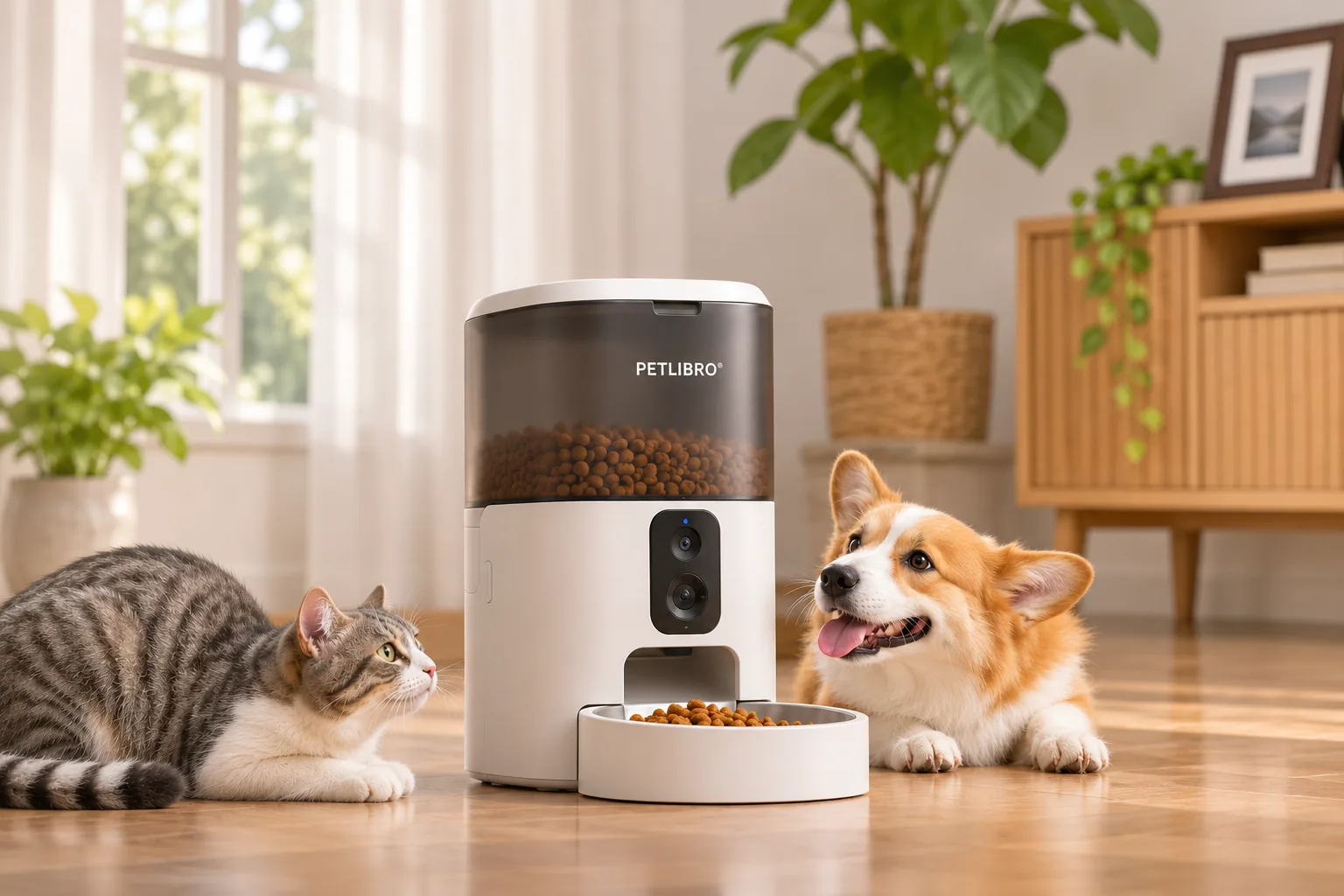
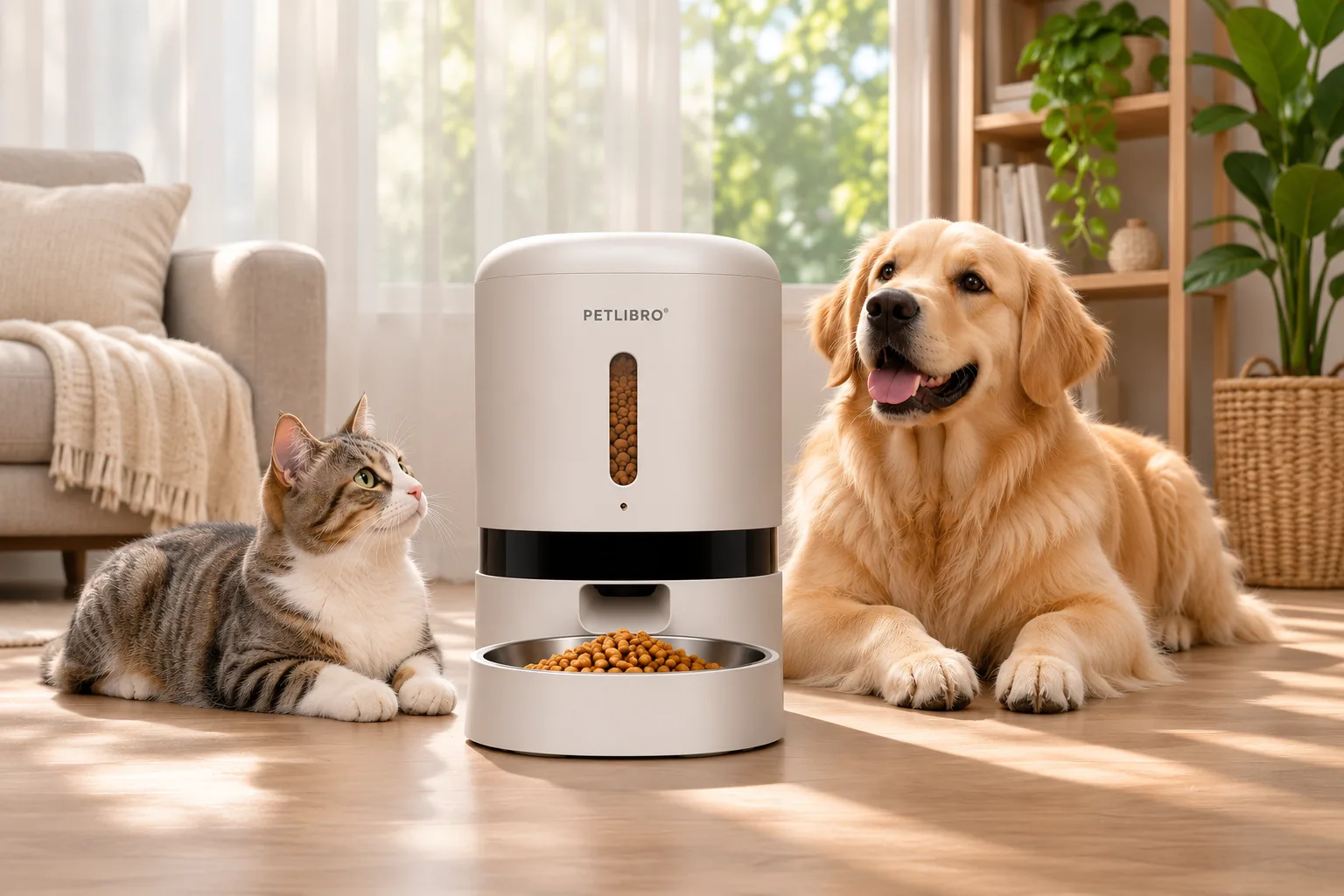
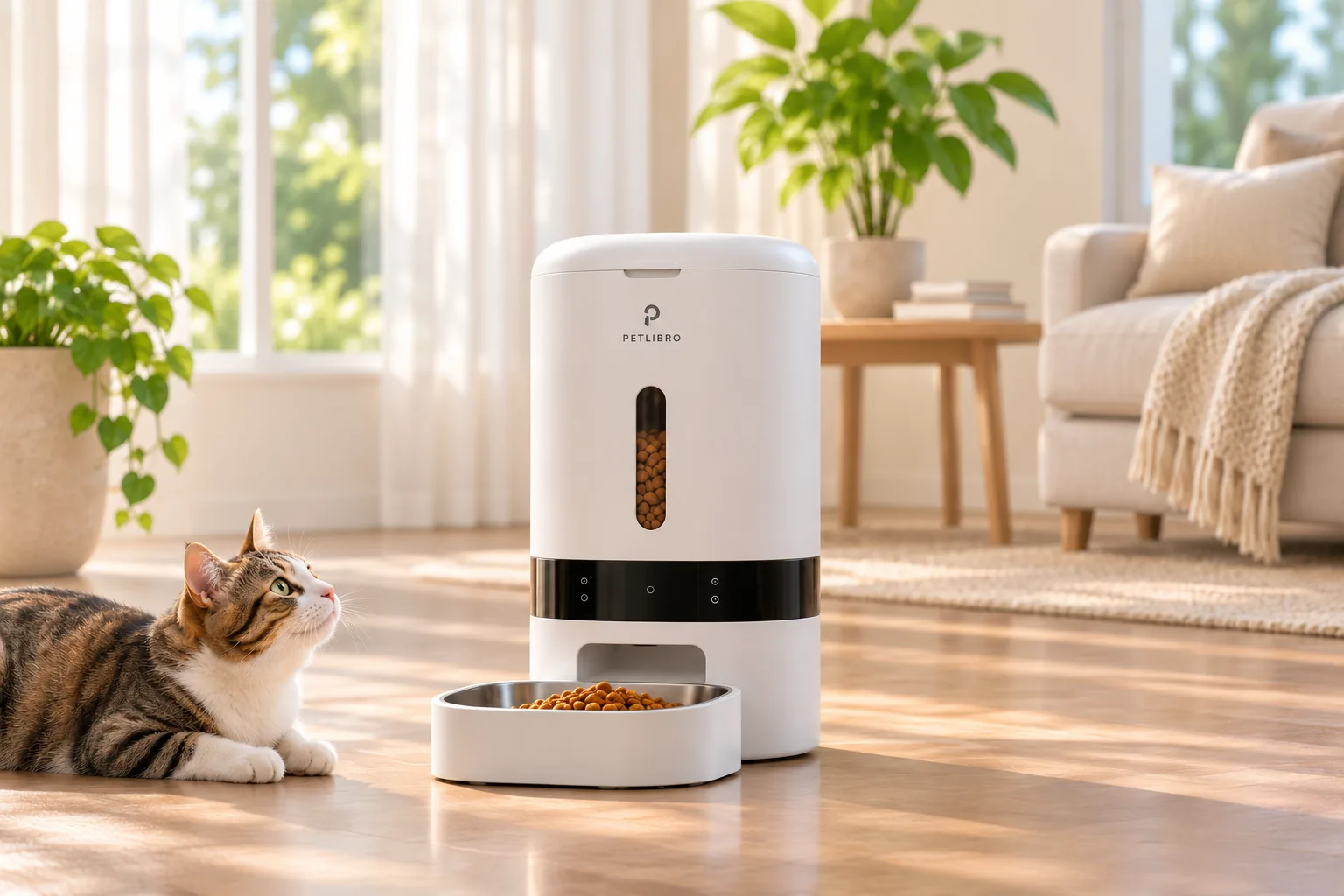
Compare the PLAF103 code in the product details with the model named in PETLIBRO’s official specification or manual. PETLIBRO’s official product page names the Granary Wi-Fi feeder and lists “Model: PLAF103.” Its support index also gives separate manual entries for the Granary WiFi Feeder PLAF103 and Granary Camera Monitoring Feeder PLAF203. Those model labels provide a precise cross-check when a retailer’s product name uses only the broader “Granary” family name. (PLAF103 official product page; PETLIBRO manual index)
The PLAF103 specification answers several practical questions. Its listed 5-liter capacity describes the food tank, not a guaranteed number of days between refills; consumption depends on the pet and the programmed portions. The listing limits use to dry food and kibble with a diameter from 2 to 15 mm. That gives you a concrete compatibility check: compare your food’s form and pellet size with those limits rather than assuming that every dry recipe will dispense equally well. (PLAF103 official product page)
The same page specifies 2.4/5 GHz Wi-Fi and a DC 5 V adapter. It also lists three D-size alkaline batteries as backup power and says they are not included. Treat these as two distinct requirements: the adapter is the listed normal power supply, while backup batteries are an extra purchase if you want that fallback. Confirm your home network and the actual package contents before checkout; the specification alone does not establish that the feeder will suit every router setup or power arrangement. (PLAF103 official product page)
Compare the three model codes
| Model or name | What the official evidence identifies | What to use it for |
|---|---|---|
| Granary Wi-Fi — PLAF103 | PETLIBRO’s product page identifies this code and lists the dry-food, 5 L, Wi-Fi, kibble and power details above. | Use this row when the listing explicitly says PLAF103 and its stated food and power requirements fit your setup. |
| Granary Camera Monitoring — PLAF203 | PETLIBRO’s manual index lists this as a separate camera-monitoring feeder manual from the PLAF103 Wi-Fi manual. | If a camera is a deciding feature, verify PLAF203 on the exact listing. Do not transfer PLAF103 specifications to it based on the shared Granary name. |
| Standard Granary 2 — PLAF105 | PETLIBRO’s Granary 2 product page identifies the standard model as PLAF105 and lists a 5 L tank. | Treat it as a different generation/model. Compare its own current specification and included items rather than assuming parts or features carry over from PLAF103. |
Sources: PETLIBRO PLAF103 listing, PETLIBRO manual index, and PETLIBRO Granary 2 page. The table is for identification, not a claim that one model is universally better. The available evidence does not establish cross-model accessory compatibility, so check a part number against the exact feeder model before buying it.
Check food, Wi-Fi and power fit
Use the PLAF103 listing as a set of boundaries, not a promise of a particular household result:
- Food: It is specified for dry food. Check whether the kibble falls within the listed 2–15 mm diameter range. If the food is wet, unusually shaped or outside that range, the cited specification does not establish suitability.
- Capacity: The tank is listed at 5 L. This is a volume, not a feeding-duration estimate; meal size and refill frequency depend on your pet and schedule.
- Network: The page lists both 2.4 and 5 GHz Wi-Fi. Verify what your router provides and follow the current setup instructions for the exact model.
- Power: Plan for the supplied DC 5 V adapter. The three D backup batteries are listed as not included, so add them only if you want that backup option.
- Identity: Match PLAF103 in the retailer’s item details against PETLIBRO’s official product specification or manual. A family name by itself is less precise.
These checks are more useful than relying on broad “smart feeder” language: they connect the documented model to the constraints that can make a feeder unsuitable before it arrives. For more feeder selection guidance, see our automatic feeder articles.
Before you order
- Confirm the code. The listing should explicitly identify PLAF103 if you want the Wi-Fi model covered here. If it says PLAF203 or PLAF105, open that model’s own specifications instead.
- Match the food. Confirm dry food and 2–15 mm kibble are compatible with what you plan to serve.
- Check the setup. Verify that the stated Wi-Fi bands and adapter-based power fit your home. Decide whether you need backup batteries; they are not included in the listed package.
- Check parts by exact model. Neither a shared family name nor a photo proves that a tray or replacement part fits. Use a part listing that names the precise feeder model, and consult PETLIBRO support if the listing does not.
- Review the live listing. Product pages and checkout conditions can change. This guide identifies the model and published specifications; it does not make a current price or stock claim.
The safest buying decision is therefore straightforward: choose PLAF103 only when the exact model is shown and its documented food, network and power limits match your needs. Choose a separately documented variant when you need its distinct features, and verify compatibility at the model level instead of inferring it from “Granary.”
As an Amazon Associate I earn from qualifying purchases.